Michael invited me to hear his boys play at the Man on the Moon with their band Rhythmic Thrust, unfortunately only got to hear their last few moments and I got charged 4 quid to get in! Sounded better than the last time but still not as good as at Michael’s 50th party.
However, the fun started afterwards. Michael and I both have Treo 650’s so we had a boys and their toys moment in the public bar when the next act was on. I shared my VolumeCare, FileZ and TrafficStat with him and all seemed fine. However, later that evening I received a desperate email from Michael “Help! I just tried to synch my Treo and it keeps restarting over and over again. I cant seem to get it out of the loop. Any ideas what to do? I’m beginning to panic.” after much soul searching and effort he managed to get it to accept a hard reset. Today he searched the Palm forums and came up with lots of comments like this (expresses my feelings too)
User: JS84T
Rating: 1
November 1, 2005
I’ve recommended this app to so many people and now they’re all pissed at me. For some reason this app has taken to crashing all the Treo 650’s it’s installed on. My version works. All of there’s have crashed. Very poorly written code dood
I then went to the VolumeCare website and discovered this gem in their help forums:-
My Treo is in a RESET LOOP! How do I stop it?
If your Treo is continually resetting itself over an over again, this is how to recover from this condition without having to Hard reset your device!
1) Press and HOLD the 5-way UP navigation control
2) Press and release the reset button on the back of the Treo
3) Continue to hold the 5-way UP navigation until the Treo displays the Preferences screen or the Phone application
4) Release the 5-way UP navigation key
5) Press the Green Phone button to display the phone application
6) Enter this error code number into the phone application and then hit DIAL/SEND
SPRINT: ##377
Verizon: #*#377
GSM: #*377
7) If there is an application name listed that you are familiar with, remove that application or move that application to the SD Card then go to step 29
8) If going to the default application screen (Launcher) causes another reset loop, repeat steps 1-4 and then go to the next step
9) HotSync the application FileZ to your Treo (http://GoTreoSoftware.com/downloads/ota/3rdparty/filez.prc)
10) Press the GREEN phone button to enter the phone application
11) Press the menu key or tap on carrier name in the upper left corner of the phone application display to open the menu system
12) Select EDIT FAVORITES PAGES….
13) Tap on the first EMPTY Favorites entry
14) Wait for the Add Favorites screen to appear
15) For TYPE select APPLICATION
16) Tap on LABEL
17) Find and Select the application FILEZ from the list
18) Select OK
19) Select DONE
20) Press the 5-WAY DOWN to open the favorites area in the phone application
21) Find the new FILEZ entry in the favorites and TAP on it to run the FILEZ application
22) Wait for the FILEZ application to display its screen
23) Tap on VIEW AND EDIT FILES
24) Tap on the arrow ( |> ) next to the word INTERNAL
25) Scroll to the application you need to delete
26) Tap on the target application name. A small check mark will appear next to the application name
27) Tap on the name FILEZ in the upper left corner of the screen to open the menu screen
28) Select DELETE and say YES to the confirmation
29) Press and release the RESET button on the back of the Treo
30) If a reset loop continues return to step 1 until the reset loop stops.
Doesn?t say what you do if it finds their software is to blame!
So VolumeCare is great if it works on your Treo but please don’t ask me to beam to you 🙂


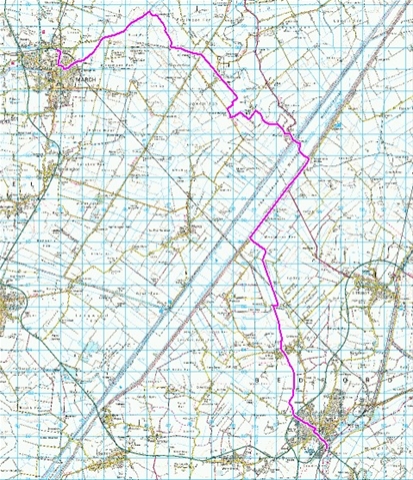
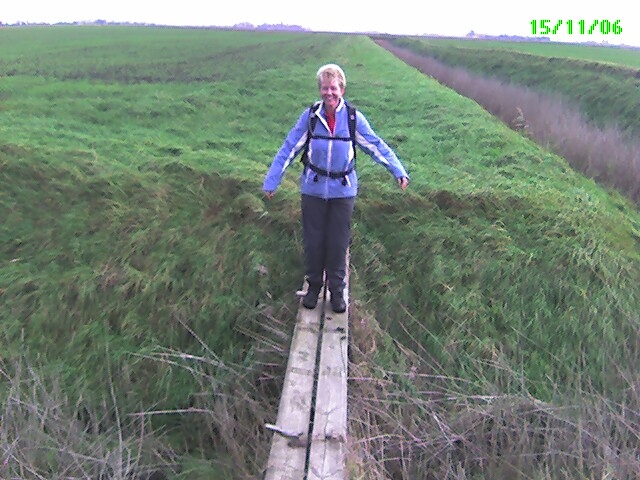
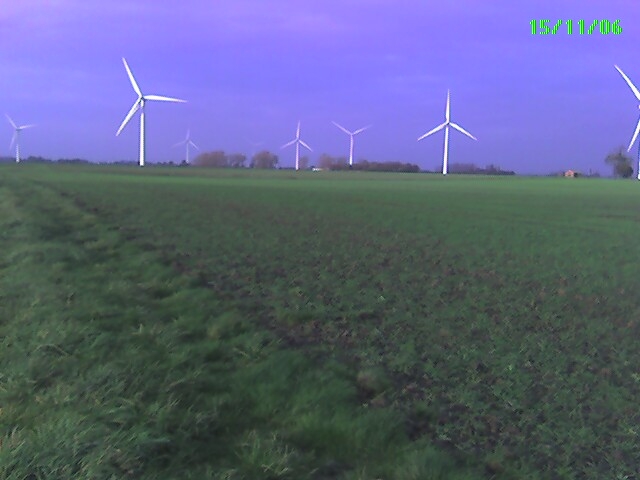
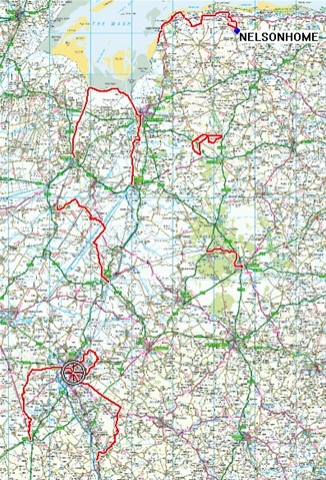 So in the last couple of months we have been doing many walks in East Anglia. Here is a rather neat map with all the GPS data from the walks superimposed on it.